Switch to LitCommerce Marketplace Integration
Moving your current multichannel selling workflow to a new app can feel like a big step, but it becomes easier when you know what to prepare and what to expect. Choosing an alternative requires careful consideration of how your data will be affected, the benefits the new app can bring, and how smoothly the transition can be completed.
This article walks you through what LitCommerce Marketplace Integration supports, what data can be retained, and how to switch safely.
Why switch to LitCommerce?
The LitCommerce Marketplace Integration app lets you manage products, listings, inventory, pricing, orders, and more across multiple channels in a single dashboard.
This can reduce repetitive manual work and help you maintain more consistent data across platforms.
Supported platforms
The following platforms are available for integration in LitCommerce:
| Shopping carts | Marketplaces |
|---|---|
| - Shopify |
- WooCommerce
- BigCommerce
- Wix
- Squarespace
- Square | - eBay
- Etsy
- Walmart
- Walmart CA
- TikTok Shop
- Amazon
- Facebook Shop
- Google Merchant
- Shopee
- Reverb
- Faire
- Temu |
Highlighted features
LitCommerce connects your Main Store to all sales channels, creating a seamless foundation for your data management and providing multiple features, allowing you to handle essential listing, sync, and order tasks.
The highlighted features include:
-
Connect multiple Main Stores to a single LitCommerce account - managing more than one Main Store under one login. Check this article for further information.
-
Auto-sync for inventory, pricing, orders, SKU, title, and more, including unlimited order sync.
-
**Stable sync frequency **every 15 minutes (with the exception of Etsy, where the sync runs every 60 minutes due to API limitations).
-
**AI-supported features **(Quick/Auto List, product data generation, clone listings…).
-
Templates & Template Rules for bulk applying data to listings. More details can be found HERE.
-
**Multi-Edit Mode **for bulk editing.
Support and onboarding benefits
Understanding that new users may need guidance when getting started, LitCommerce offers:
-
7-day Free Trial with full access to all features.
-
24/7 AI and Live Chat Support.
-
Open to user feedback and prioritizing feature requests based on demand, feasibility, and product direction.
Checklist before you switch
It is important to ensure that your platforms and data are ready for transition before proceeding to the next step. Check the points below:
-
**Which platform should be used as your Main Store: **Your Main Store is the source of truth for your product data (such as Shopify, WooCommerce, BigCommerce, Wix, Squarespace, Square, or LitCommerce Native). LitCommerce retrieves data from this platform to update your connected channels.
-
**Which sales channels you want to connect to LitCommerce: **List the platforms you want to manage (such as eBay, Etsy, Amazon, TikTok Shop, Walmart…). They will be connected in conjunction with the Main Store.
-
**Whether your listings already exist on those sales channels: **If your channel listings are already live, import and link them to your Main Store products in LitCommerce. If not, create new listings using LitCommerce.
-
**Whether your Main Store products and channel listings use matching SKUs: **Matching SKUs make it easier to link Main Store products and channel listings correctly. If SKUs do not match, review your listings carefully before enabling sync.
-
**Which data you want LitCommerce to sync (such as inventory, price, orders…): **Decide whether you want to sync inventory, price, product details, orders, or a combination of these data types. Only enable the sync options you need.
-
**Whether your previous app is still updating the same Main Store products and channel listings: **Avoid letting two apps sync the same listings at the same time. This may cause conflicting inventory, price, or product data on your sales channels.
What you can keep
LitCommerce connects directly to your platforms and imports available data into the app for management. This allows you to switch from another app to LitCommerce without deleting existing products/listings on your connected platforms.
The data LitCommerce can import depends on each platform’s API. In most cases, key product data (such as inventory, price, title, description…) can be retrieved.
How to switch to LitCommerce
The steps below guide you through the app transition process.
Step 1: Connect your Main Store and first channel
Connecting your Main Store and first sales channel is an important setup step because it defines your data source of truth and data flow.
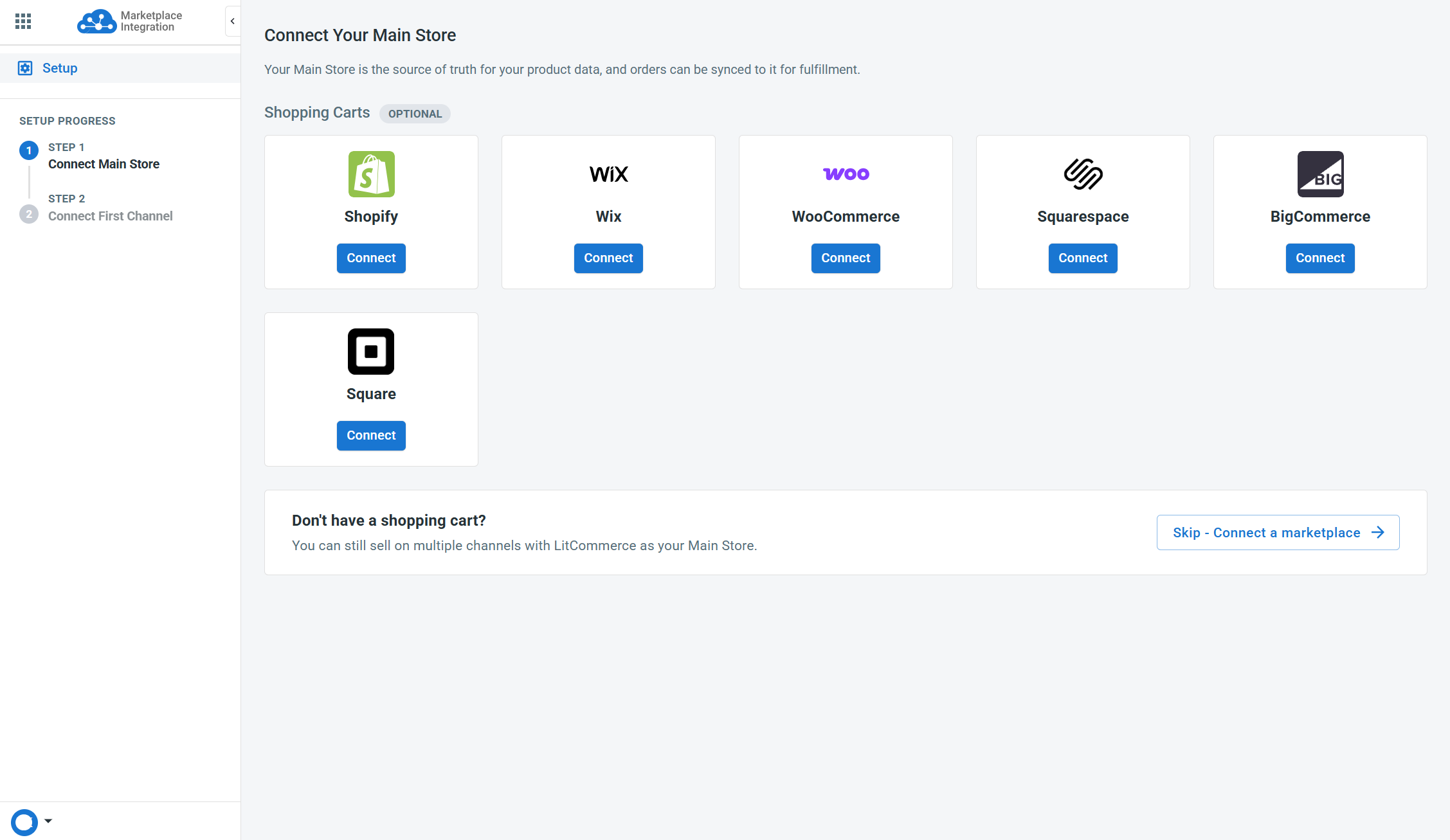
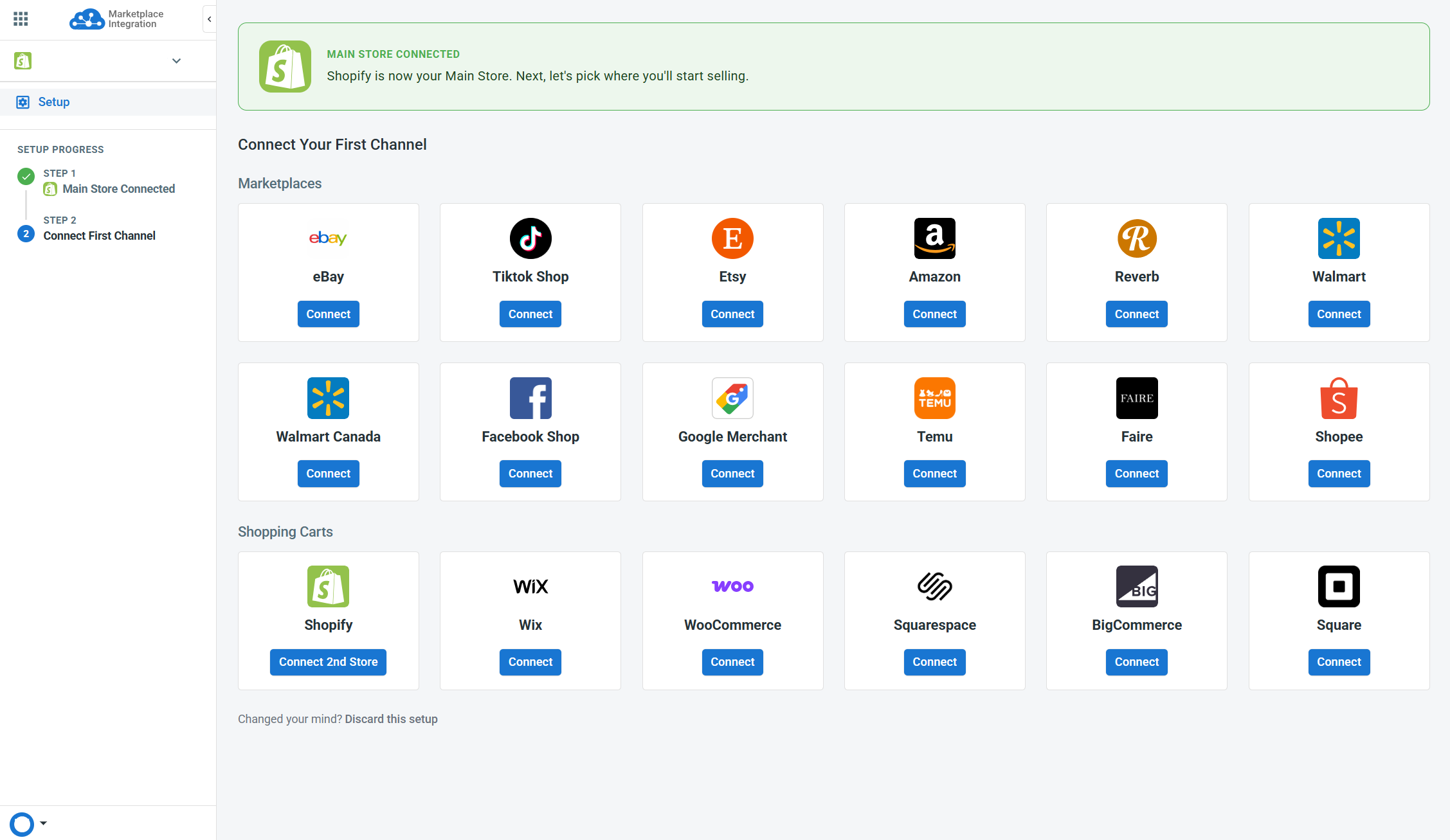
Check out this article for more details on the initial setup.
Step 2: Import and link products/listings
After connecting your first platforms, LitCommerce will help bring your product and listing data into the system.
- For your Main Store, LitCommerce automatically imports its products into the All Products section after the first connection. This data becomes the foundation for managing listings, sync, and other multichannel operations.

- For each sales channel, import existing listings into LitCommerce manually, then link them to the matching Main Store products. Listings can be automatically linked during import if
Auto link products from these imported listingsis selected.

[!INFO] Linking is important as it helps LitCommerce understand which Main Store product matches which channel listing for correct data flow.
For detailed steps, refer to the related guide on importing and linking products/listings.
Step 3: Review listing data
Double-check to ensure the imported data is correct and the channel listings are properly linked.
Step 4: Set up sync features
Start setting up sync features based on how you want LitCommerce to manage data across your connected platforms.
[!INFO] Before enabling sync in LitCommerce, make sure to turn off sync in your previous app. Using two apps to update the same listings may cause duplicate updates, incorrect overrides, or conflicts in inventory, pricing, and product data.
LitCommerce supports several sync options, including:
- Inventory Sync: Update inventory from your Main Store to sales channels. This also enables order import to LitCommerce and auto-adjusts Main Store stock based on imported orders. Check out this article for more details.

- Price Sync: Update product prices from your Main Store to sales channels. More information can be found HERE.

- Order Sync: Import orders from sales channels into LitCommerce and sync them to your Main Store. This article provides in-depth details on this feature.
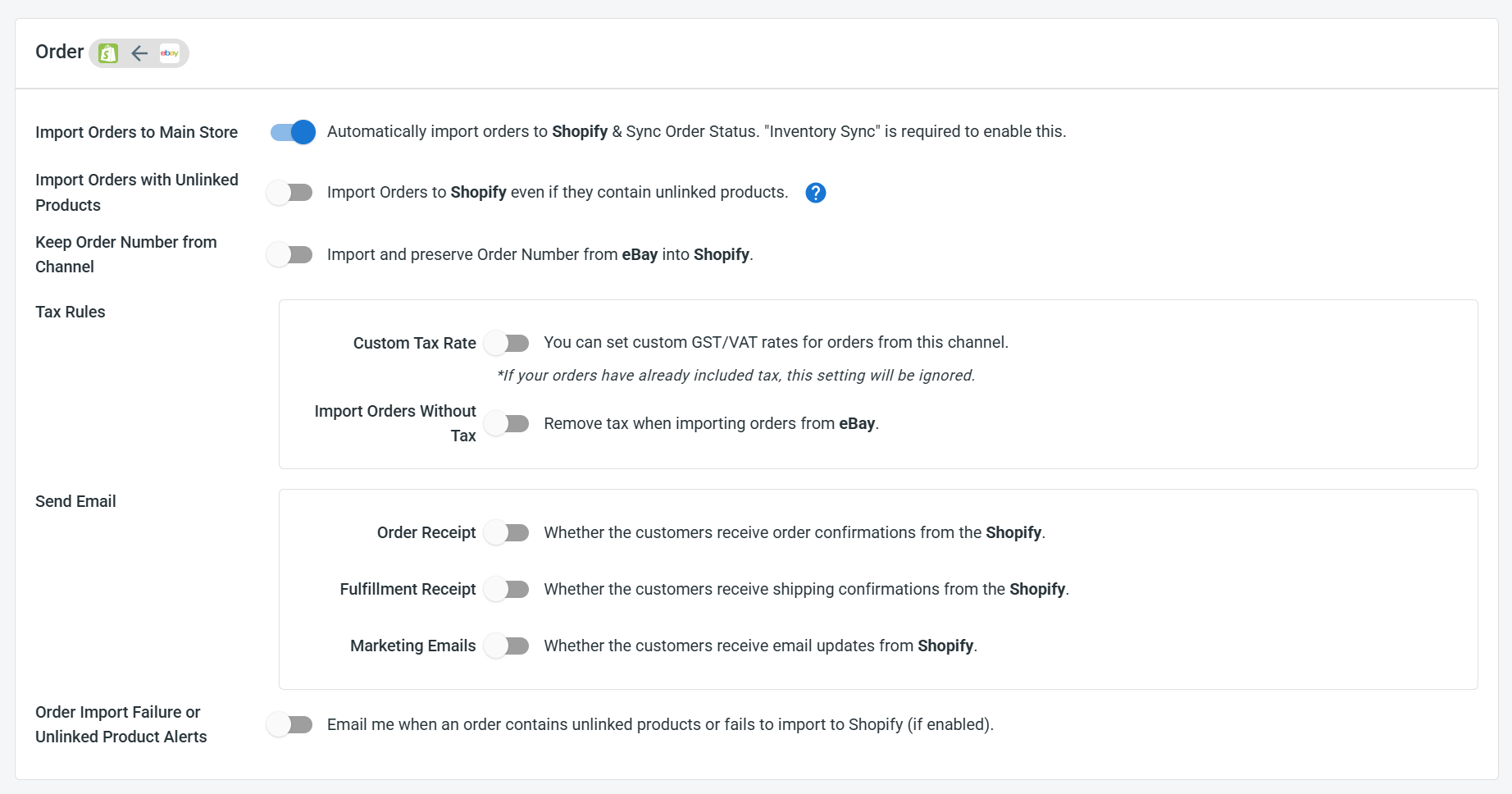
- Other sync features: Depending on the channel, LitCommerce may also support syncing other data, such as SKU, title, description… Locate them in the Channel Settings.

After switching: What to check
Once the transition is completed and everything runs smoothly with LitCommerce, uninstall your previous app to prevent duplicate updates or data conflicts.
FAQs about switching to LitCommerce
Switching time may vary based on your catalog size and connected channels. We recommend starting with one Main Store and one sales channel first, then continue with the rest once everything is set up correctly.
Yes. You can connect your platforms and review your setup in LitCommerce first. Before enabling sync in LitCommerce, make sure your previous app is not updating the same listings.
No. Switching should not affect your platform’s products/listings. They can remain active during the switch. To avoid issues, import and link existing listings correctly before creating new listings or turning on sync.
No. Once the import starts, LitCommerce only retrieves existing listings and does not create new ones. Listings already available in LitCommerce will be skipped.
To avoid duplicates, link the imported listings to the correct Main Store products before creating or publishing new listings.
Yes, you can start small. Import a few listings, link them correctly, and test your sync settings before applying changes in bulk.
LitCommerce will not import your previous order history. Only orders created after Order Sync is enabled will be retrieved into LitCommerce.
Yes. Our support team can review your setup and guide you through the safest way to switch to LitCommerce. Contact us anytime via Live Chat.
Simply share your current Main Store, sales channels, previous app, existing listing setup, expected workflow, and required features.
This will help us guide you to the most suitable LitCommerce setup.
If you have any questions, let us know via the Chat Box in the bottom-right corner of our Help Center.