Feed Conditions
Below is a compilation of all available feed conditions in LitCommerce:
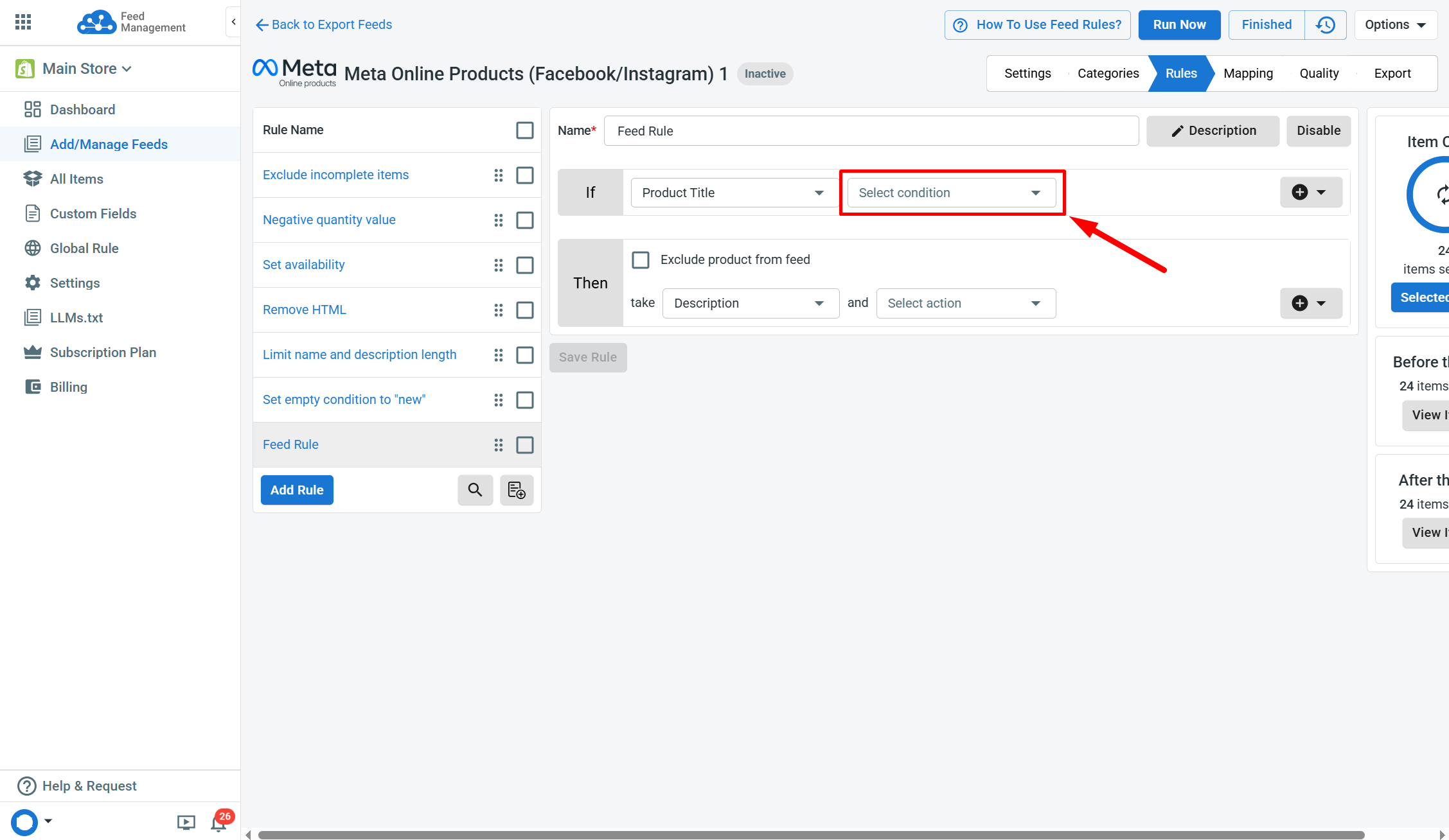
[!INFO] Type - Defines the type of value a condition processes when applying a rule. LitCommerce supports three condition data types:
- **text: **Used for text-based fields and is generally not case-sensitive.
- number: Used for numeric values such as price or quantity. Mixed text-and-number values are not supported.
- multiple: Allows multiple values, one per line, up to 100 lines per condition. Supports both text and numeric values.
| Name | Type | Description | | contains | text | Locates products when the selected field includes the entered text anywhere in its value. | | doesn’t contain | text | Locates products when the entered text is not found anywhere in the selected field. | | is equal to | text | Locates products when the selected field has the same value as the input. | | is not equal to | text | Locates products when the selected field has a different value from the input. | | starts with | text | Locates products when the selected field begins with the entered text. You can enable case sensitivity for this condition. | | doesn’t start with | text | Locates products when the selected field begins with different text from the input. You can enable case sensitivity for this condition. | | ends with | text | Locates products when the selected field finishes with the entered text. You can enable case sensitivity for this condition. | | doesn’t end with | text | Locates products when the selected field finishes with text different from the input. You can enable case sensitivity for this condition. | | is empty | text | Locates products when the selected field has no data entered. | | isn’t empty | text | Locates products when the selected field already has a value entered. | | match regex | text | Locates products when the selected field follows the entered regular expression pattern (regex). Refer HERE for more details. | | doesn’t match regex | text | Locates products when the selected field does not match the entered regular expression pattern (regex). | | length exceeds | text | Locates products when the selected field has more characters than the set limit. Refer HERE for more details. | | length doesn’t exceed | text | Locates products when the selected field stays within the set character limit. | | word count exceeds | text | Locates products when the selected field has more words than the set limit. Refer HERE for more details. | | word count doesn’t exceed | text | Locates products when the selected field stays within the set word limit. | | **contains any of ** | multiple | Locates products when the selected field includes at least one value from the entered list. | | doesn’t contain any of | multiple | Locates products when the selected field includes none of the values from the entered list. | | is equal to any | multiple | Locates products when the selected field has an exact value from the entered list. | | isn’t equal to any | multiple | Locates products when the selected field value is not in the entered list. | | is greater than | number | Locates products when the selected field value is above the entered number. | | is greater or equal to | number | Locates products when the selected field value is at least the entered number. | | is less than | number | Locates products when the selected field value is below the entered number. | | is less or equal to | number | Locates products when the selected field value is at most the entered number. |
If you have any questions, let us know via the Chat Box in the bottom-right corner of our Help Center.