Feed Actions: Modify text
LitCommerce Feed Management offers multiple rules when setting up your feed, enabling you to locate, modify, and optimize your product data for the target platform.
This article introduces you to the “Modify text” action.
Set up and apply
For more details on how to set up and apply the rule, refer HERE.
How it works
The “Modify text” action appears under the Then and And-statements. It allows you to adjust text formatting (such as casing, spacing, or capitalization) for the data of the selected product attribute (including Main Store fields, metafields, and custom fields).
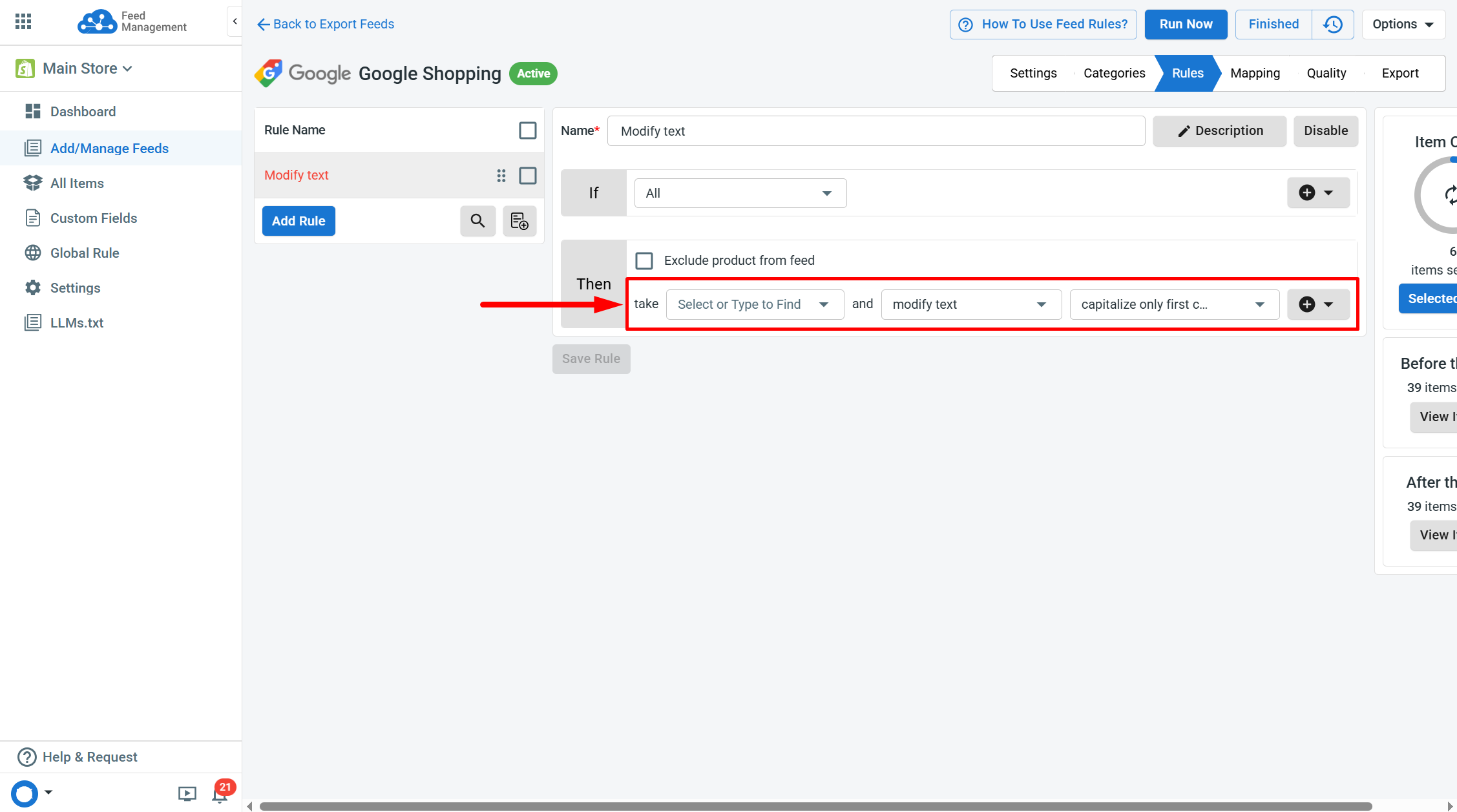
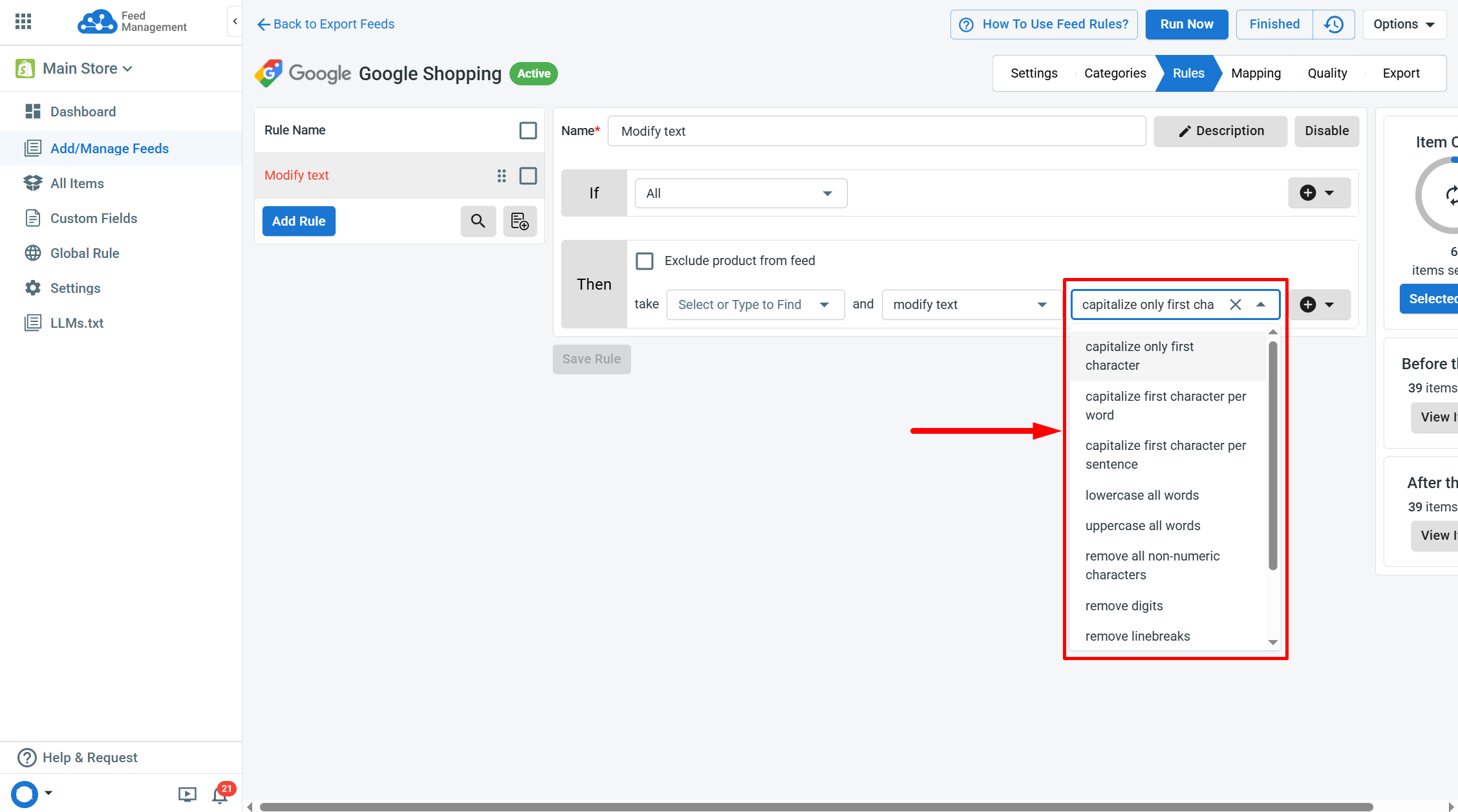
You can choose from the following options:
- Capitalize only first character.
- Capitalize first character per word.
- Capitalize first character per sentence.
- Lowercase all words.
- Uppercase all words.
- Remove all non-numeric characters.
- Remove digits.
- Remove linebreaks.
- Remove unnecessary whitespaces.
- Remove HTML from text.
This rule is ideal for standardizing titles, SKUs, and descriptions specifically for the target platform without modifying the Main Store data.
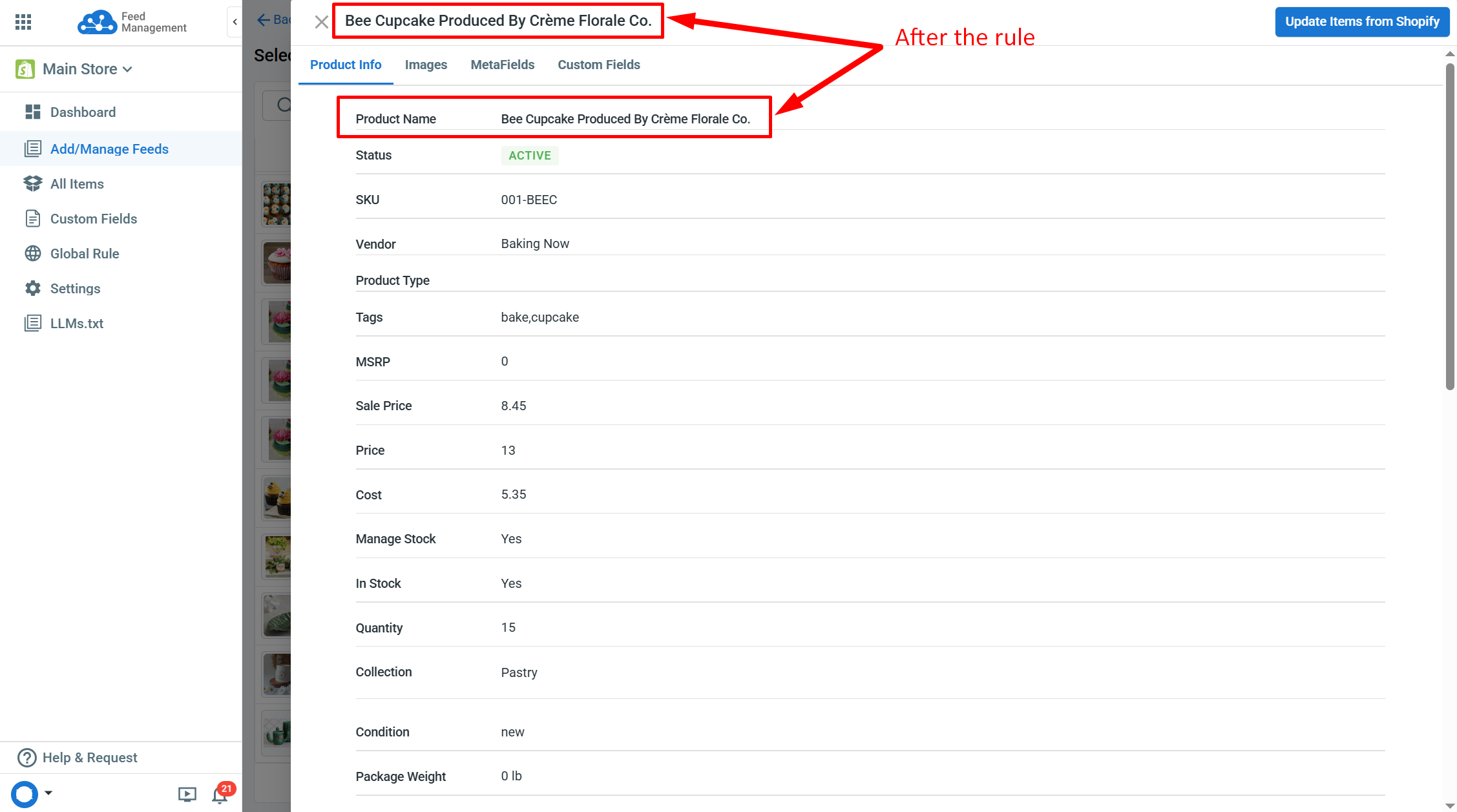
Example: If you want to capitalize the first character of each word in your product titles to enhance their readability and visual appeal on Google Shopping, use the following action.
Take “Product Title” and “modify text” - “capitalize first character per word”.
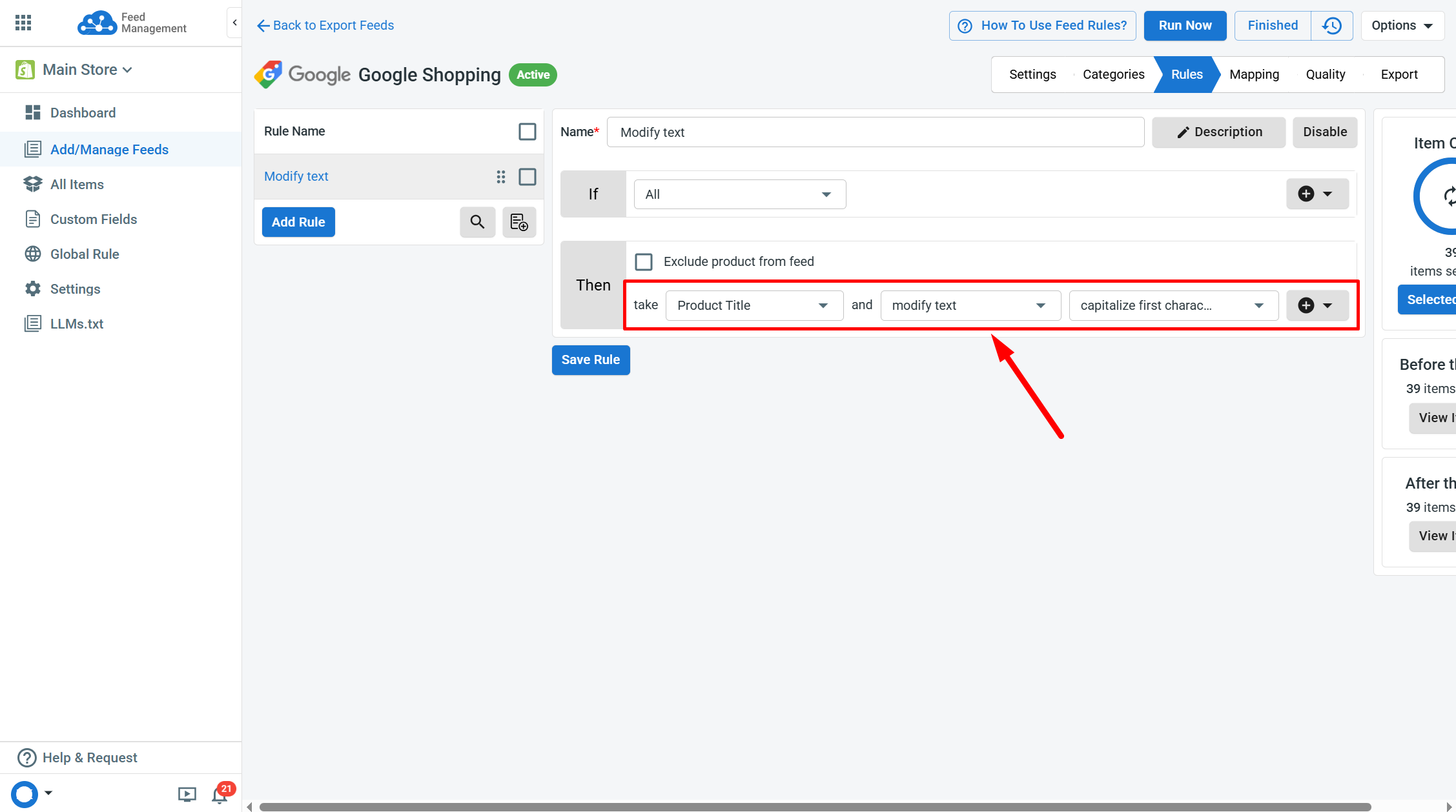
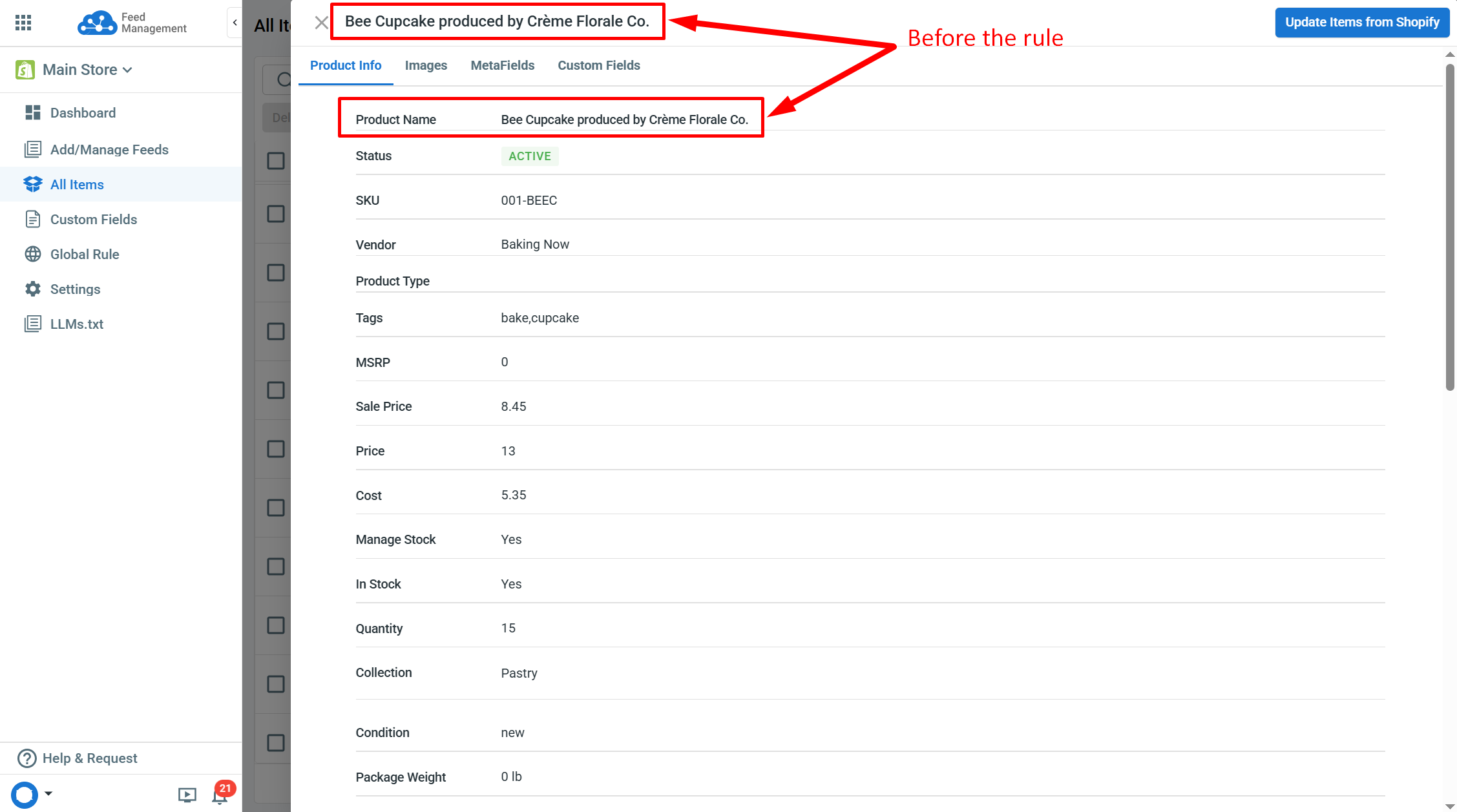
After this rule, the example product title “Bee Cupcake produced by Crème Florale Co.” will be updated to “Bee Cupcake Produced By Crème Florale Co.”.
If you have any questions, let us know via the Chat Box in the bottom-right corner of our Help Center.
← Feed Actions: Copy value Feed Actions: Compare and replace →